
Launch Samsung Tizen TV App For Streaming Platform
Launch your Tizen TV apps without coding! Easily manage new content with our dedicated video/audio CMS, and monetize with flexible plans while keeping 100% of your revenue—no revenue sharing!
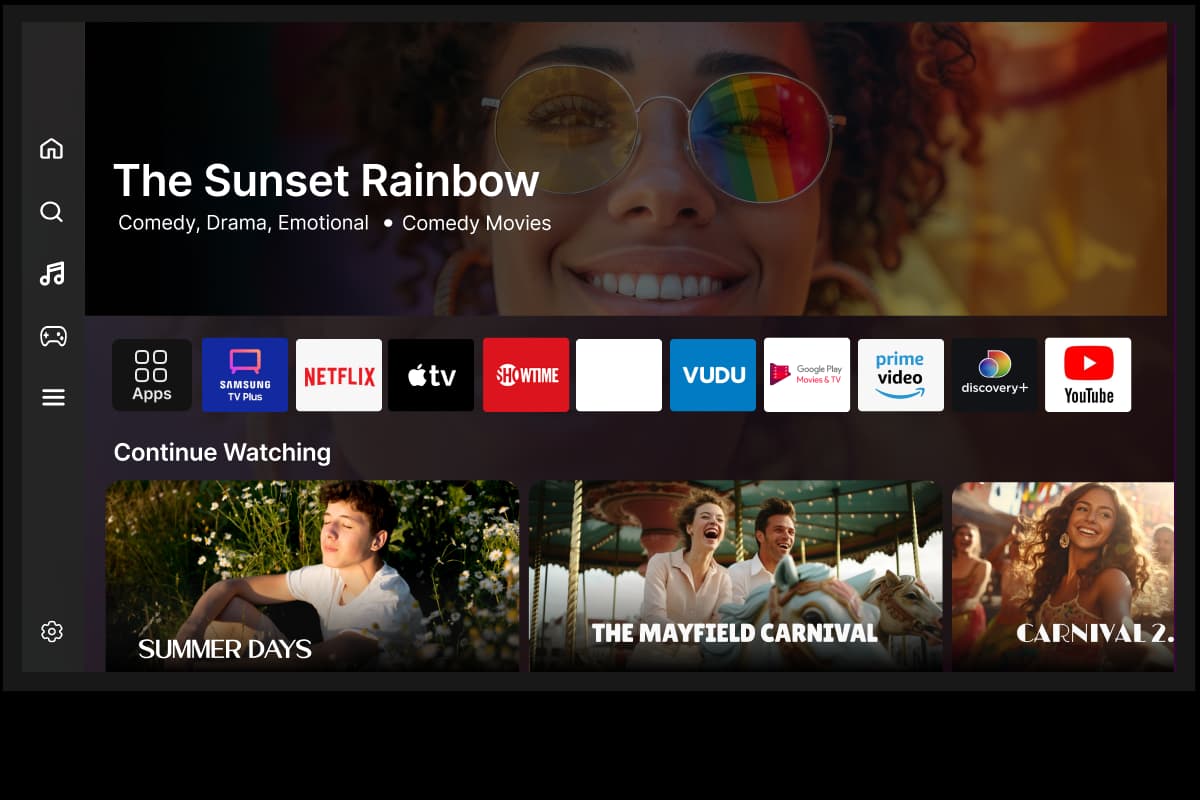







Samsung Tizen App Preview
Start. Stream. Succeed
Ready to revolutionize your streaming journey with Samsung Tizen TV app? Take a first step by starting a 14-day No Commitment Free Trial.
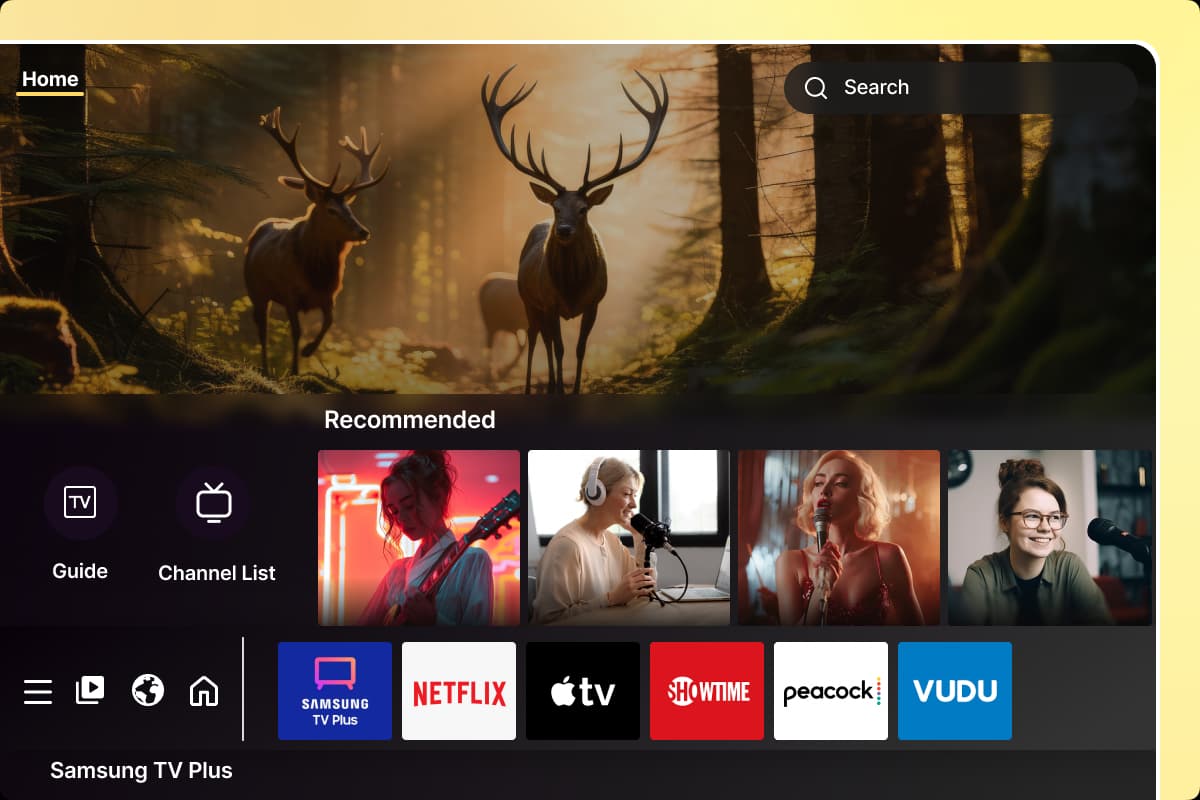
Native Samsung TV App
Develop a native Samsung Tizen TV app integrated with Samsung's intuitive interface, ensuring your content is accessible and engaging for millions of users. Leveraging shortfundly's platform, you can deliver a high-quality viewing experience optimized for Samsung devices, highlighting your unique content and captivating your audience directly from their Samsung home screen.
Get Started→On Demand
Give your audience the freedom to watch their favorite videos anytime with on demand content. Samsung TV app lets users browse a vast library of high-quality videos and watch at their preferred time.
✅In-app purchase
✅Payment Gateway Integration
✅Set Device Limits for Pricing Plans
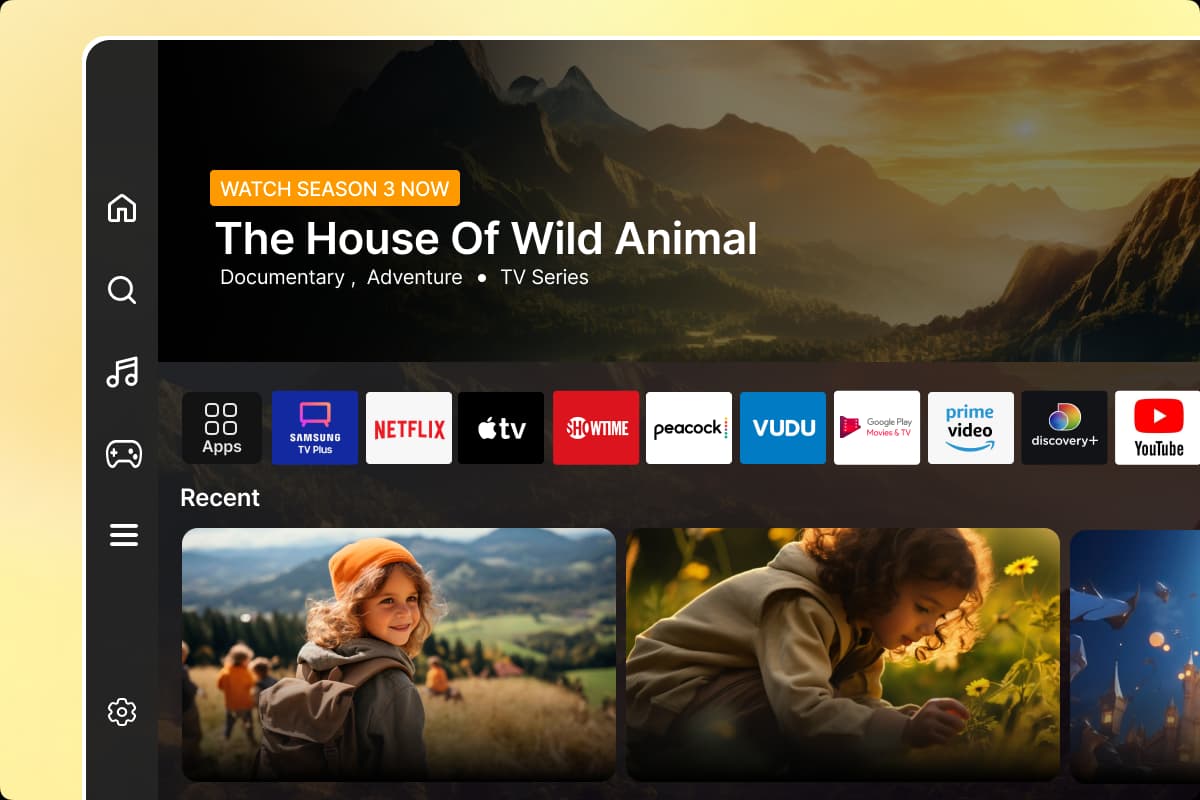
Live Streaming
Deliver live content and capture the excitement of live events with real-time streaming on your Samsung TV app. Whether it's sports, concerts, or special broadcasts, viewers can enjoy events as they happen.

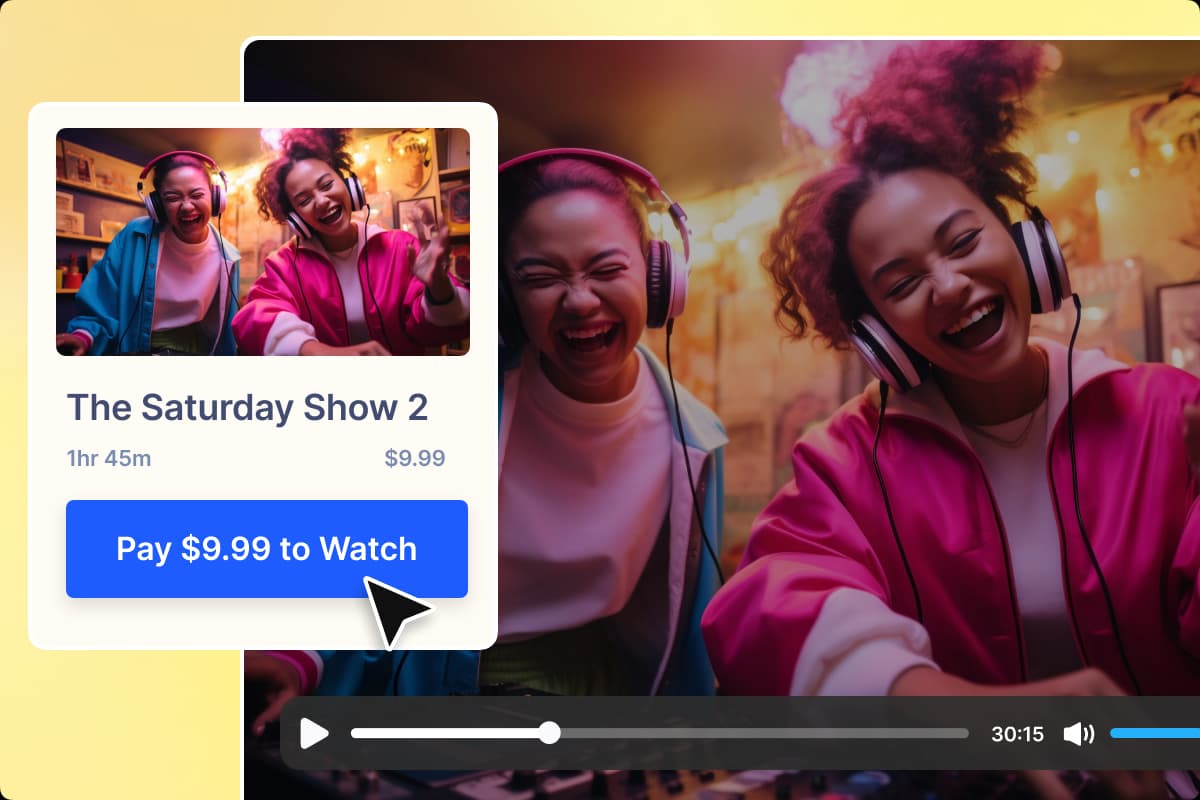
In-app Purchase and Subscription
Enable your viewers to subscribe to your Tizen TV app via subscriptions or purchase their favorite content directly within your app on a pay-per-view (PPV) basis. With shortfundly One, setting up these monetization strategies is straightforward, allowing you to cater to diverse audience preferences and maximize revenue.
Get Started→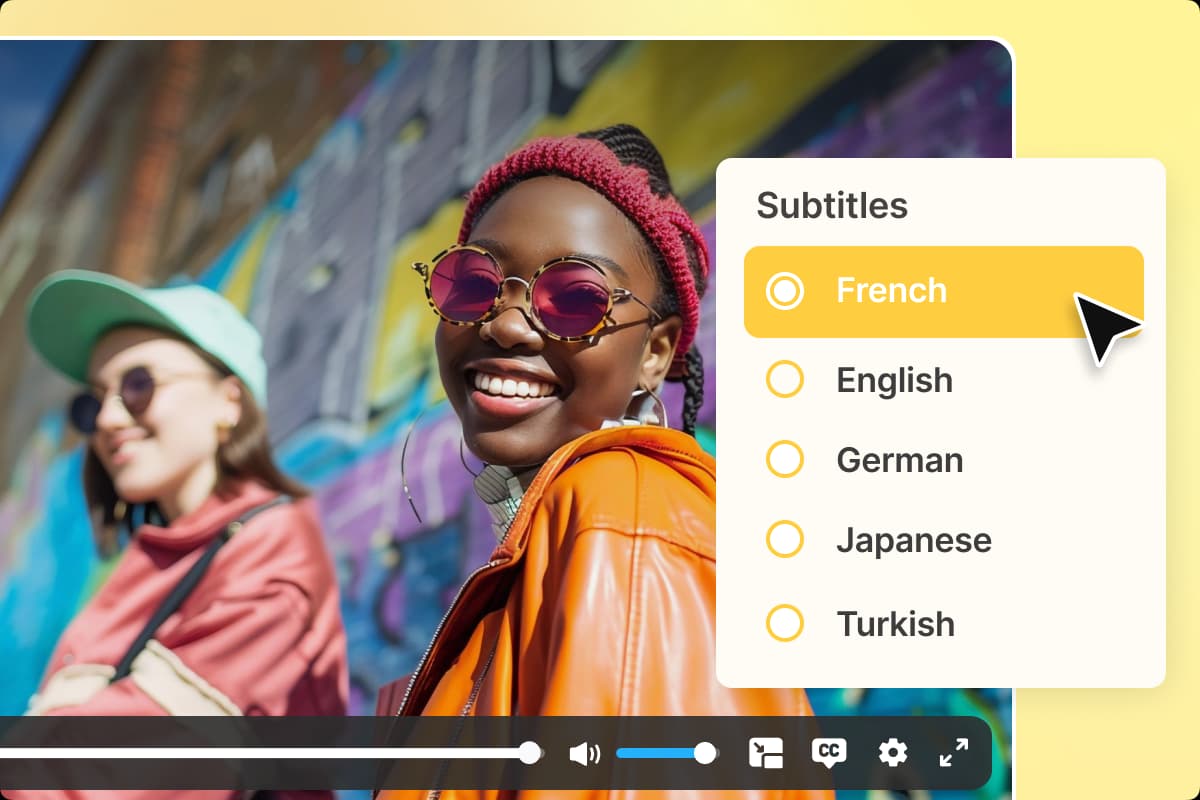
Multi-Language Support
The Samsung Smart TV app built with shortfundly enables users to translate your platform language into multiple preferred languages. Add multiple languages and set a default language for your platform to ensure your audience is comfortable accessing your Tizen TV App.
Get Started→Try Yourself First Hand, Get A Free Trial!
14-days Free Trial | No Credit Card Required
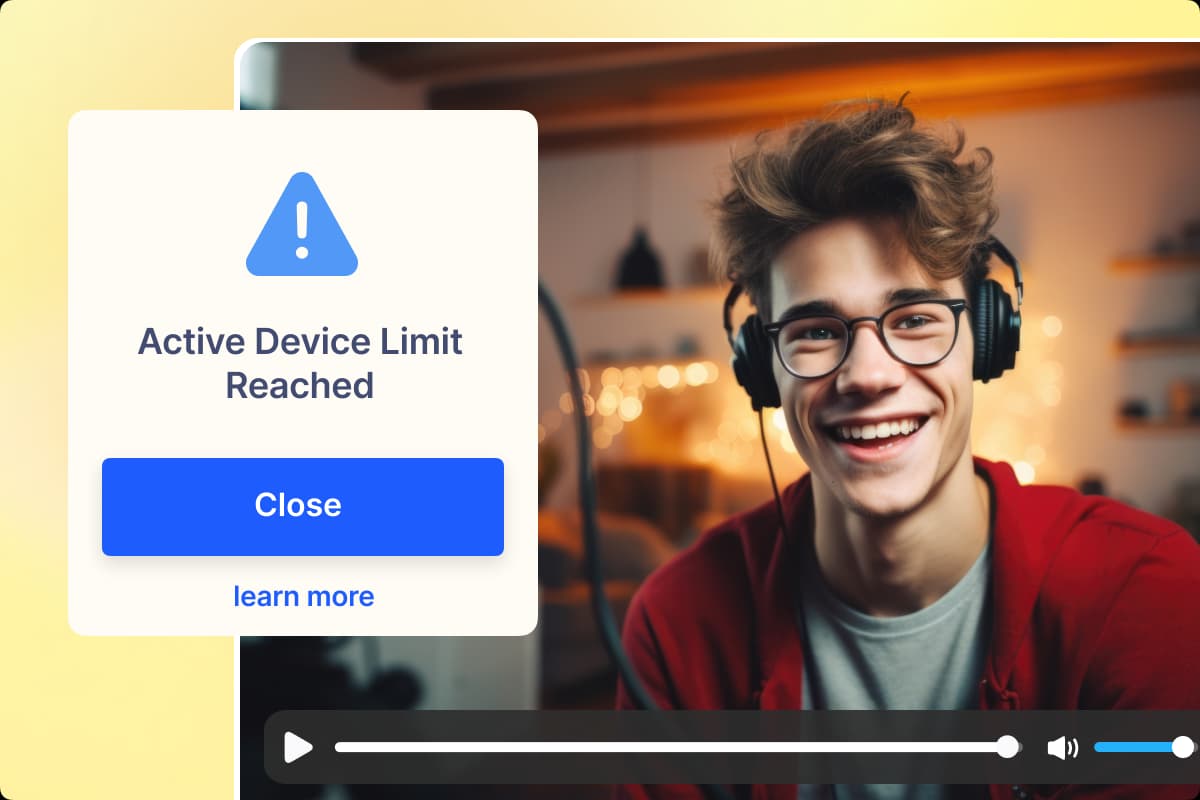
Set up & Manage Device Restrictions
Restrict the number of devices a user can access their account at the same time on your Samsung Tizen TV App. You can also allow your users to set up profiles, so anyone who shares an account will have personalized recommendations and viewing history.
Get Started→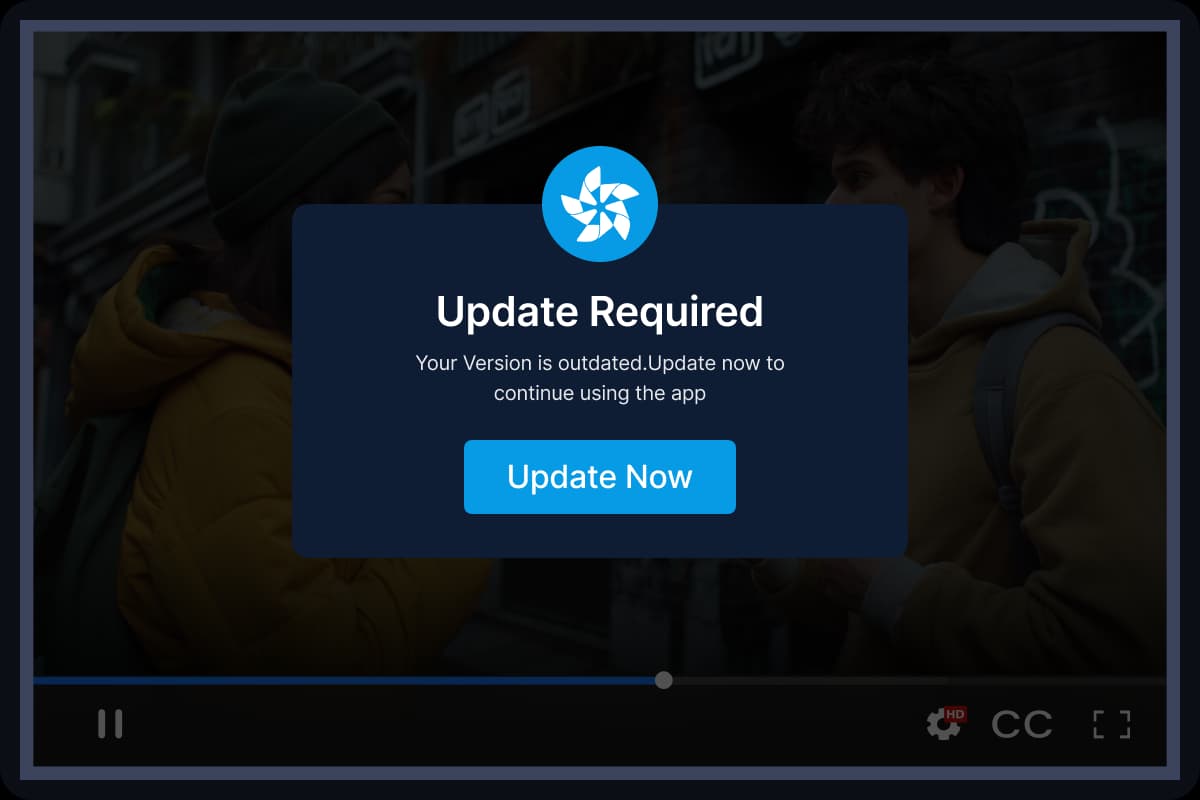
Force App Version Updates
Ensure all users are on the latest version of your Samsung TV app. Trigger force updates directly from the CMS to block outdated versions and keep your app experience consistent, secure, and fully up to date.
Get Started→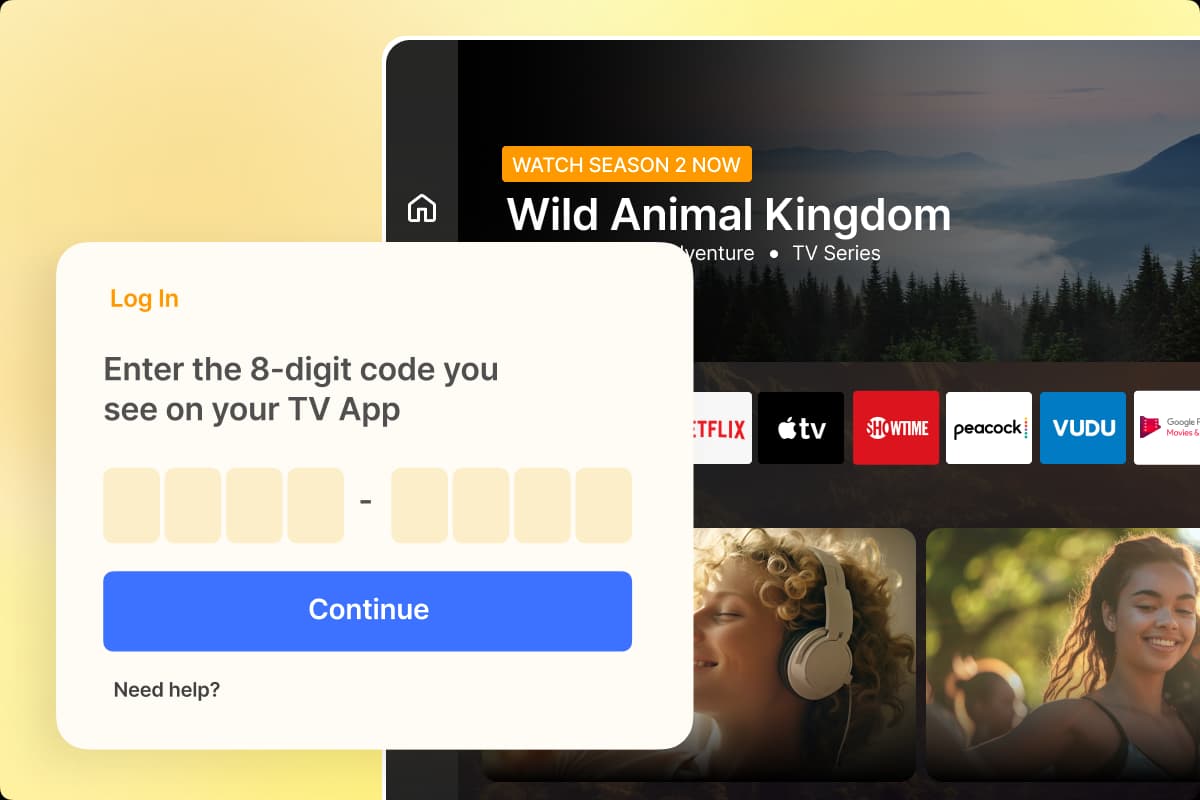
Code Based Login
Simplify the login process for your Samsung Tizen TV App with code-based login. This eliminates the hassle of typing user IDs and passwords using a remote control. Instead, end-users simply enter a randomly generated code displayed on the Samsung TV app on the mobile app to log in.
Get Started→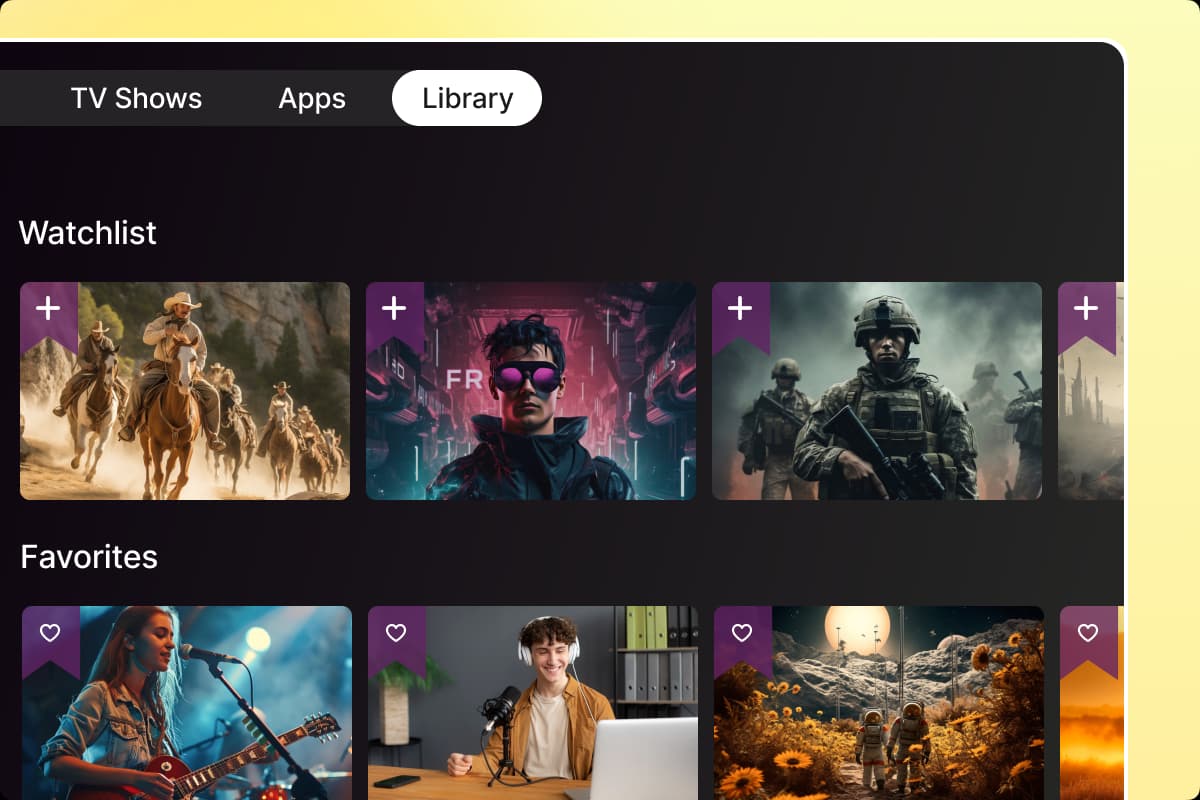
Watchlist and Favorites
Let your viewers create a personalized library of video content by adding them to the watchlist no your Samsung TV app. Also, your viewers will have the option to mark their favorite content and give ratings to the content that they watched.
Get Started→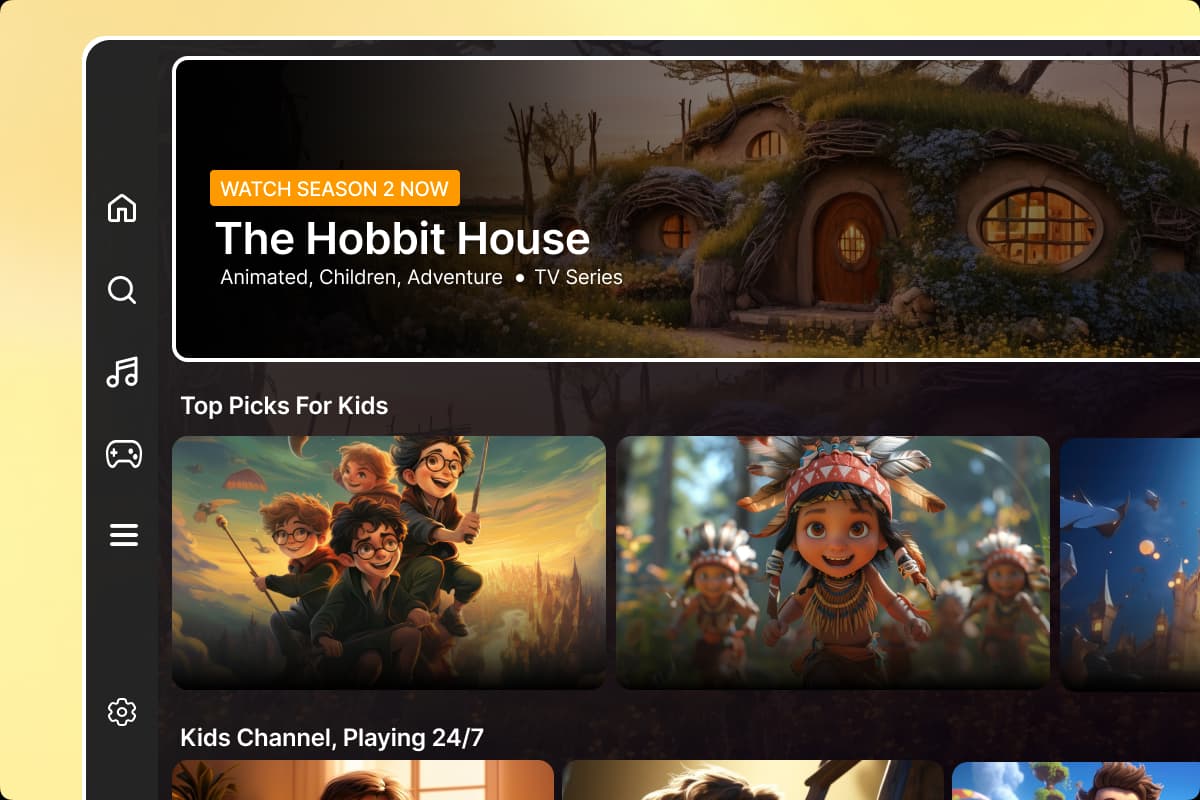
Kids Mode
Your audience can enable Kids Mode on your Samsung TV app to restrict their children from accessing sensitive content. Viewers can set a password for Kids Mode, and to exit Kids Mode, they will need to enter the password.
Get Started→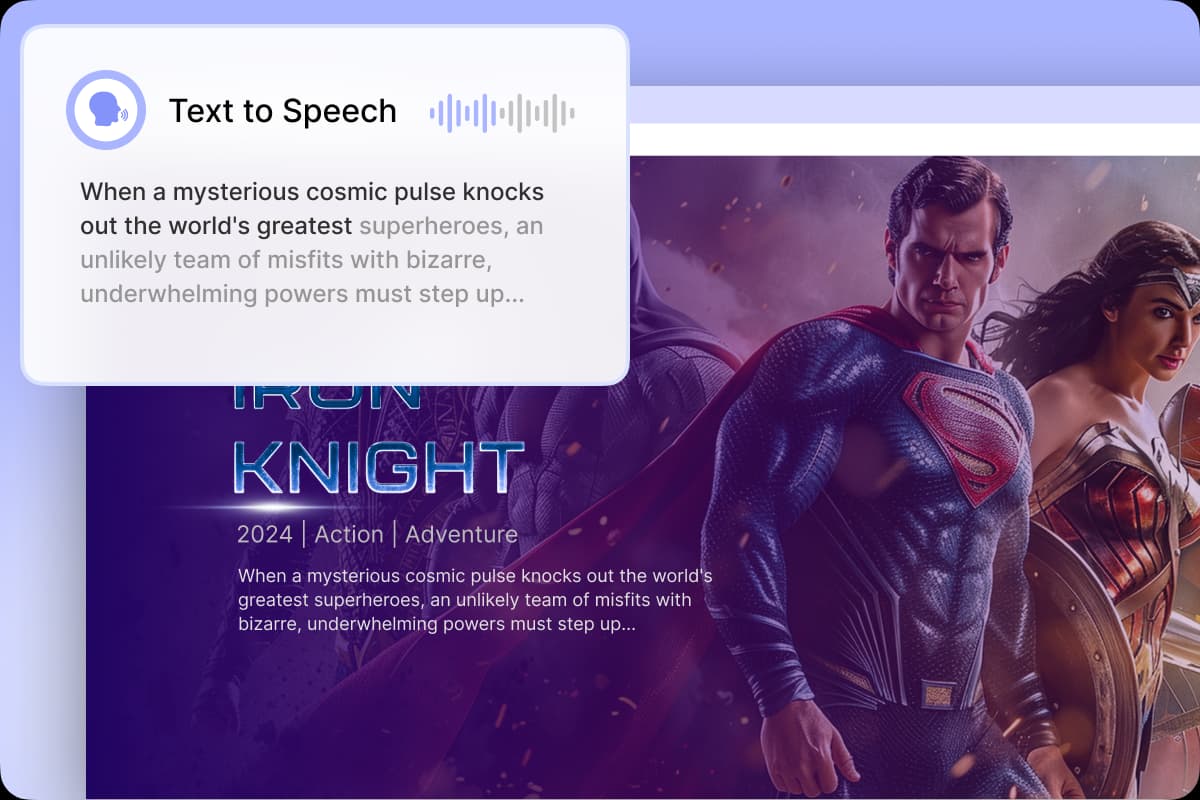
Improve Accessibility with Text-to-Speech (TTS)
Text-to-speech (TTS) enhances accessibility on your streaming platform by converting on-screen text into audio.
This helps users with visual impairments or reading difficulties navigate your Tizen TV app through audio prompts, making it easier and more convenient for them to engage with your content.

Request a Free Consultation
You can request a free live demo of shortfundly Products with our platform experts. Our platform experts will understand your use case and provide a detailed walkthrough of our product.
Used and loved by businesses
Don't take our word for it. Check out what our customers say about us