
Subtitles
Add Multilingual Subtitles to Your Audio and Video Content

Boost watch time and platform engagement by adding multilingual subtitles to your content, making it accessible to a global audience. On-screen subtitles not only enhance the viewing experience for people around the world but also ensure inclusivity for those with hearing impairments or those watching in noisy environments.
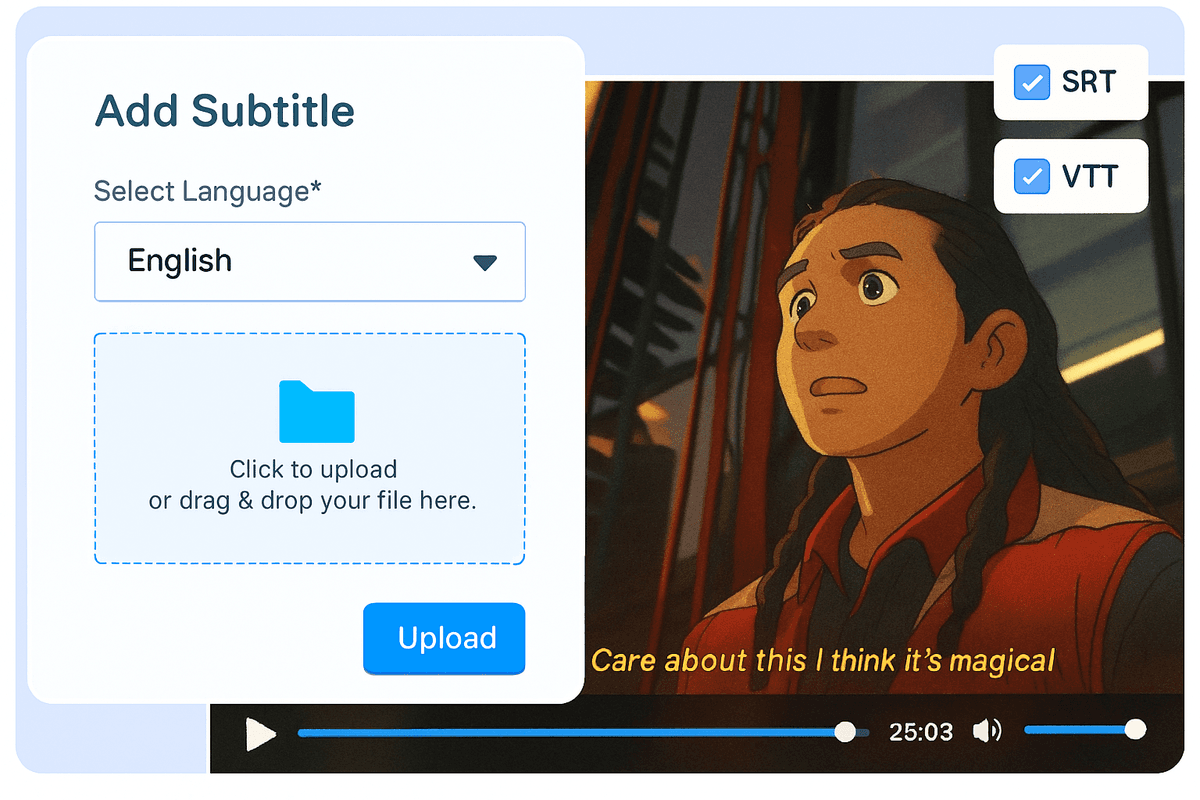
Add Subtitles in Multiple Format
Shortfundly Play supports various subtitle file formats such as .srt, .vtt, .stl, .smi and DFXP. Add the subtitle without having to worry about the formats. The video player will automatically pick and display the captions when the content starts playing.
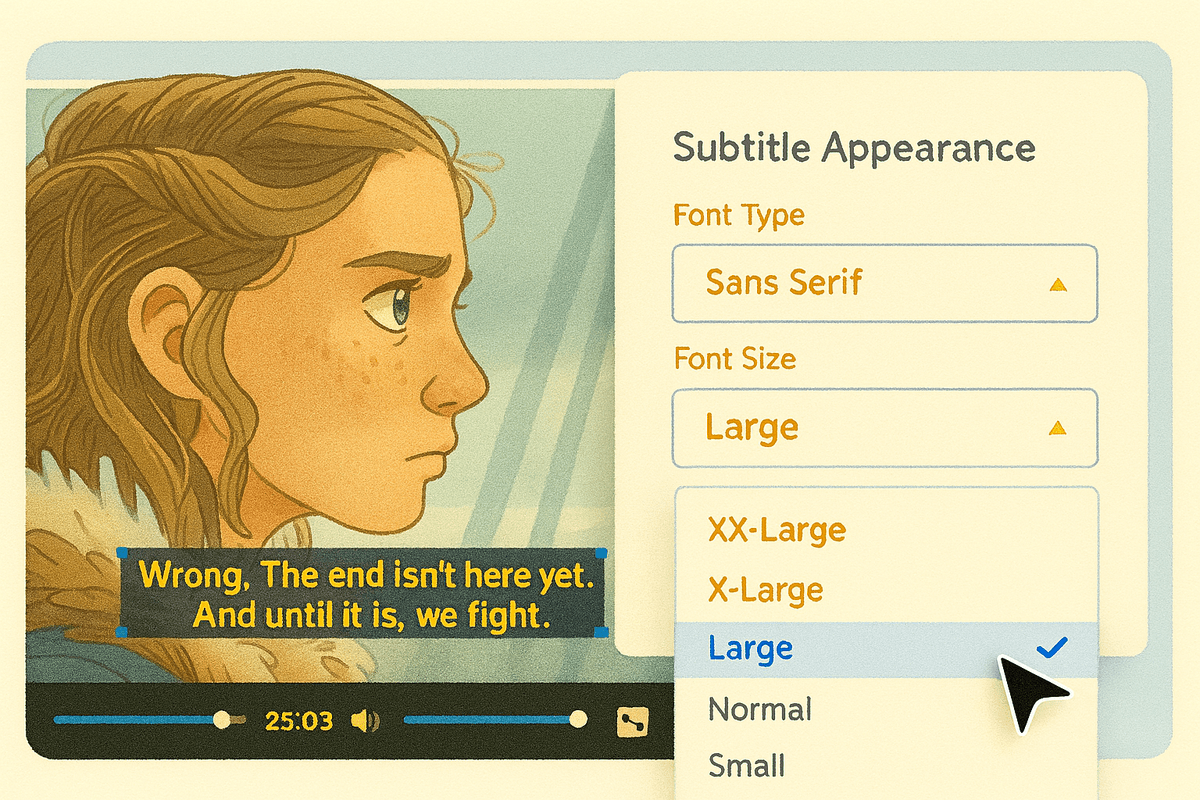
Manage Subtitle Settings
With Shortfundly Play, you can enable or disable the Subtitle option for your content. You can customize the appearance of the subtitle such as font type, font size, font color, background color, and opacity for better readability during the playback.

Subtitle On as Default
Enabling this ensures that subtitles are automatically enabled when viewers start watching content, creating an immersive viewing experience from the start.
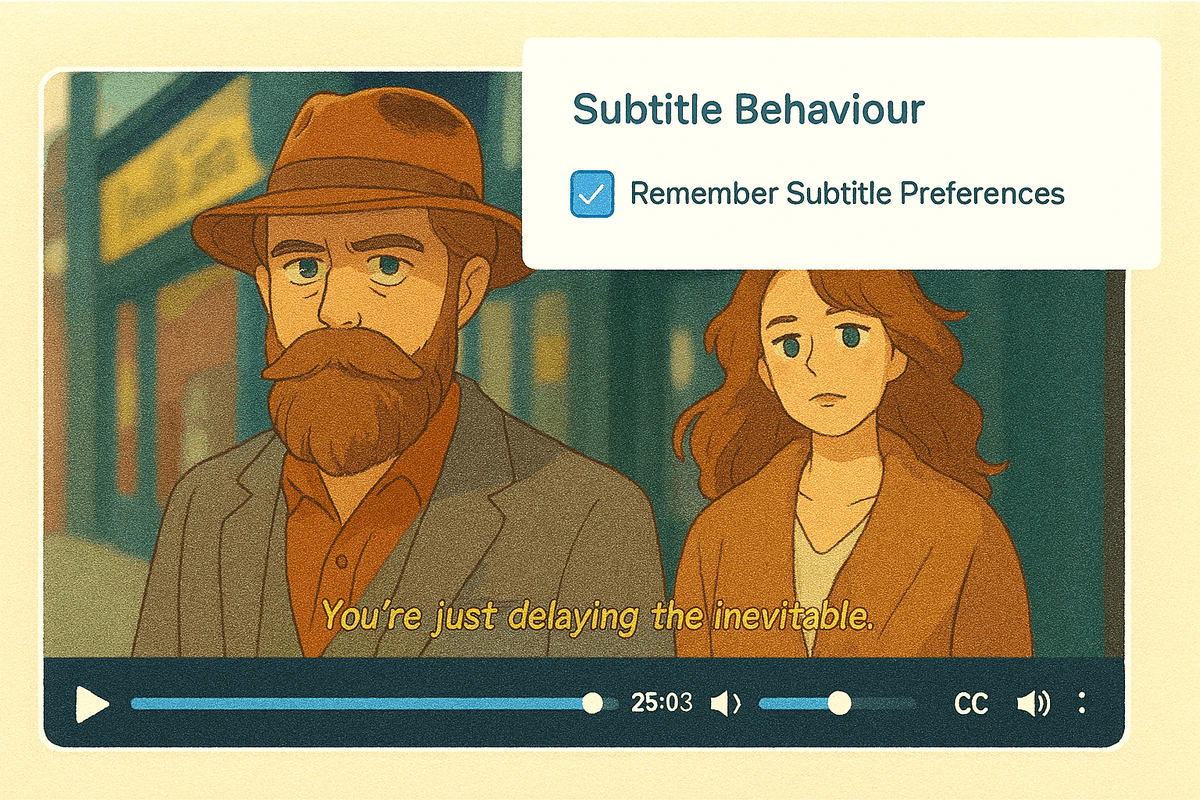
Remember Subtitle Preferences
With this option, the platform remembers each viewer's subtitle settings across sessions. If a viewer chooses to turn subtitles on or off, their preference is saved and applied the next time they access content, allowing for a seamless viewing experience without needing to adjust settings repeatedly.
Already using a platform?
Shortfundly will help with Data Migration, Customizations, and Integrations. Switch to Shortfundly today!
Migrate to ShortfundlyGet Your Free Trial Today. No Purchase Required
- Launch your very own Audio Streaming Platform
- Get Websites and Apps across devices
- Stream Content across the Globe
Upgrade / Cancel Anytime. No Commitments.
Solutions
Top Features
- Security
- Built-in CDN
- Built-in Multi-DRM Security
- Monetization Models
- Video Content Management System
- Multiple Payment Gateways